Patient Experience
Events & Webinars
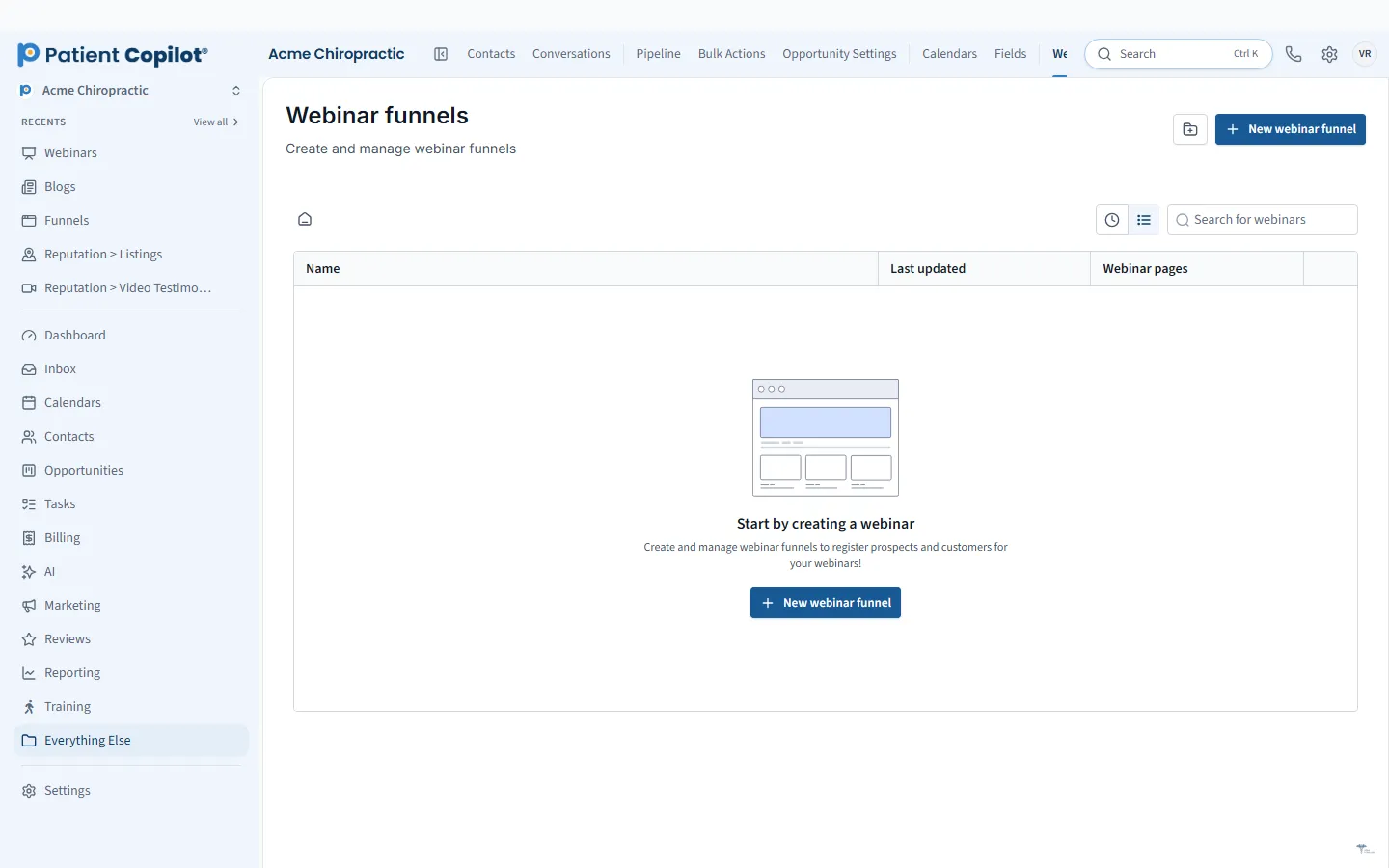
Run live or recorded webinars and in-person events with registration built in.
What it does
What Events & Webinars gives your practice
- Event and webinar registration pages
- Reminders to registrants
- Attendees tracked on patient records
- Live or recorded sessions for prospects and patients
Events & Webinars in detail
Webinar software for healthcare practices should do more than show a video. PatientCopilot lets you run live or recorded webinars and in-person events with registration built in, then follow up with the people who showed up.
Event pages and registration
Create a registration page for each event. People sign up with their contact details, and each registrant is added to your records. Use events for:
- Health talks and workshops at your office
- Open houses and new-patient nights
- Live webinars on a condition or topic
- Recorded sessions people can watch on their own time
Chiropractors, physical therapists and wellness practices often use short educational talks to meet people who are not ready to book yet. A well-run workshop builds trust before the first visit.
Reminders and replays
Reminders matter. Registrants forget, and a text or email shortly before the event helps more of them attend. Send a reminder when someone registers and another close to start time. If you record the session, send the replay to people who missed it.
Follow-up that turns attendees into patients
The event is the start of the conversation. After it ends, send a thank-you message, answer questions and offer a clear next step, such as booking a consultation. Automations let you send different messages to people who attended and people who did not.
Track attendees to bookings
Because attendees are tracked on patient records, you can see which events lead to appointments. Pair events with the pipeline and the attribution reports to find out which topics and formats are worth repeating.
How it works
- Create the event or webinar and set the date, topic and format.
- Publish the registration page and share the link.
- Registrants are added to your records and receive reminders.
- Run the session live, or share a recorded version.
- Follow up with attendees and no-shows, and invite them to book.
Tips for your first event
Pick one topic and one audience. Keep the session short, teach something useful and end with a single invitation. Avoid giving individual medical advice in a group setting, and keep any claims general and factual. Review your professional board's rules on advertising before promoting an event.
Planning matters as much as promotion. Choose a topic your ideal patient is already curious about, and give the event a title that states the benefit. Pick a date and time that fit your audience, and open registration at least two weeks ahead. Send a reminder the day before and another an hour or two before start. During the session, teach something useful in the first ten minutes and leave time for questions. Afterward, send the replay or slides, thank everyone who came, and invite attendees to book a visit or consultation. Review the numbers: registrations, attendance and bookings. Those results will tell you which topics are worth repeating and which promotion channels bring the best audience.
If you hold events regularly, keep a simple template for the registration page, the reminder messages and the follow-up so each new event takes less time to set up. Over a few months you will learn which topics and times fill best.
FAQ
Events & Webinars questions
How do I get people to attend a health talk?
Publish a clear registration page, promote it by email, text and social media, and send reminders to registrants as the date approaches.
Can I host a webinar and capture leads?
Yes. Registration creates a contact, so every registrant is tracked in your records and can be followed up with.
Do I need to run it live?
No. The platform supports live or recorded sessions for prospects and patients.
Can I see who attended?
Attendees are tracked on their patient records, so you can follow up with the right people.
Ready to get started?
Sign up today and put an AI copilot on your front desk. Backed by a 14-day money-back guarantee.
14-day money-back guarantee. Cancel anytime.