Reporting
Dashboards & Call Reports
Dashboards and reports on leads, calls, AI agent activity and bookings.
What it does
What Dashboards & Call Reports gives your practice
- Dashboards with widgets
- Custom reports you can schedule
- Call reports
- Agent reports and logs for AI activity
- Appointment reports
- Filter by date, source or team member
Dashboards & Call Reports in detail
Call tracking software for practices tells you how many people called, who answered and what happened next. PatientCopilot brings dashboards and reports on leads, calls, AI agent activity and appointments into one place, so you can see how the practice is doing without spreadsheets.
One dashboard for the practice
Dashboards use widgets you arrange to show the numbers that matter to you. An owner might want new leads, booked appointments and revenue sources. A front desk lead might want calls and follow-ups. You can build a view for each.
- Dashboards with widgets
- Filters by date, source or team member
- Appointment reports
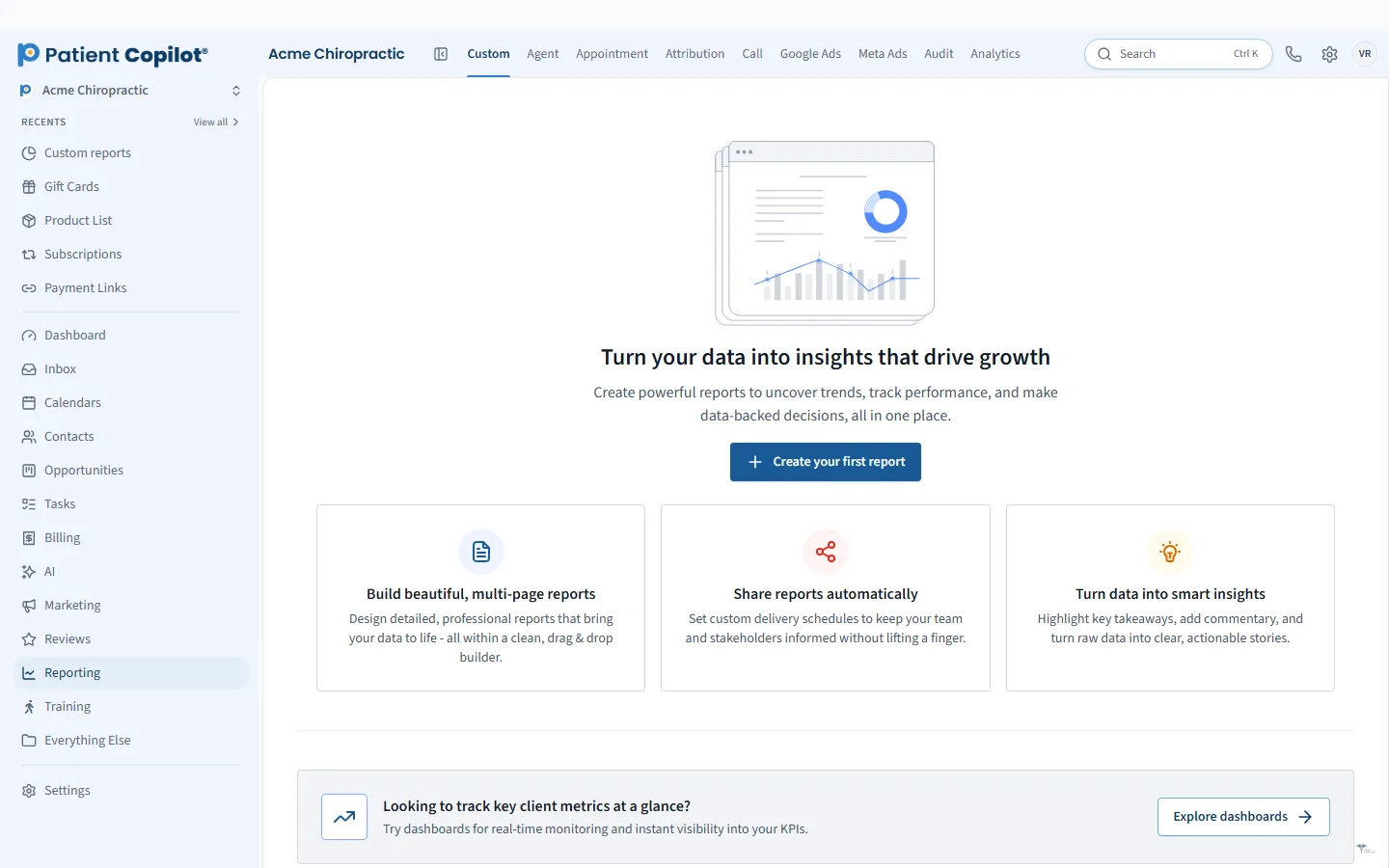
- Custom reports you can schedule
Call reports
Call reports show your inbound and outbound call activity. Use them to see call volume by day, spot busy periods and learn which calls led to bookings. If a campaign makes the phone ring, you can confirm it.
Missed calls and follow-up
A missed call is a lost patient if nobody follows up. Use call reports to find missed calls, then close the loop with a text or a return call. If you use the AI receptionist, agent reports and logs show what the AI handled and where a person needs to step in.
Appointment and source reports
Appointment reports show what is booked and how people found you. Filter by date range, source or team member to compare channels, providers or time periods. Combine them with the attribution reports to see which marketing efforts produce patients.
How it works
- Open the dashboard and add the widgets you want.
- Filter by date, source or team member.
- Open the call report to review volume and missed calls.
- Build a custom report for the numbers you track often.
- Schedule the report so it arrives on a regular cadence.
Habits that help
Pick five numbers and review them on the same day each week. Look for changes, not perfection. If calls drop, check your listings and ads. If bookings drop while calls hold steady, check how calls are being answered.
Call recording rules differ by state, so check the laws that apply to you and tell callers when required before you rely on recordings. Reports show activity, and your team still decides what to do with it.
Reports are only useful when they change what you do. Pick a regular time to review them, and write down one action per review, such as calling back missed leads or adjusting your ad budget. Share the dashboard with your team so everyone sees the same numbers, and use team-member filters to coach rather than blame. When a number moves sharply, look for a cause: a holiday, a staffing change, a new campaign or a broken form. Keep your source names consistent so reports stay comparable over time. As your practice grows, add widgets for the questions you keep asking and remove the ones you never look at.
If you manage more than one location or provider, set up a separate view for each so the numbers stay clear. Revisit your filters whenever your team or your campaigns change, so the dashboard keeps answering the questions you actually have.
FAQ
Dashboards & Call Reports questions
How do I track calls from ads?
Call reports show your calls, and you can filter reports by source. Pair them with the attribution reports to see which marketing produced the call.
Can I schedule reports?
Yes. Custom reports can be scheduled.
Can I see what my AI agents are doing?
Yes. Agent reports and logs show AI activity.
What numbers should a practice watch?
Start with new leads, calls answered and missed, appointments booked and show rate. Review them weekly and compare against the same period last month.
Reporting
Related features
Ready to get started?
Sign up today and put an AI copilot on your front desk. Backed by a 14-day money-back guarantee.
14-day money-back guarantee. Cancel anytime.